
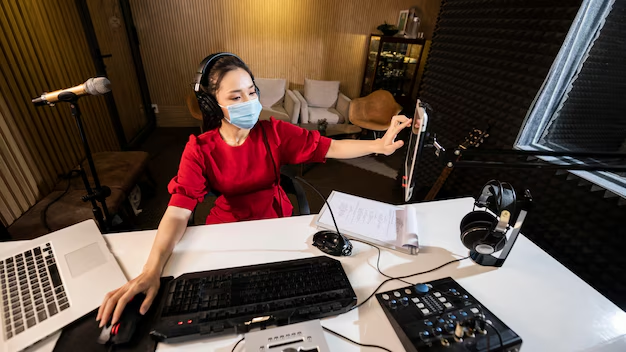
Starting a podcast doesn’t have to be expensive. With the right gear and setup, you can create great-sounding episodes — even if you’re on a tight budget.
Whether you plan to record at home or upgrade later with professional sessions at VG Prime Studios, these tools will help you build a strong audio foundation.
🎙️ 1. A Good Microphone (Your Most Important Tool)
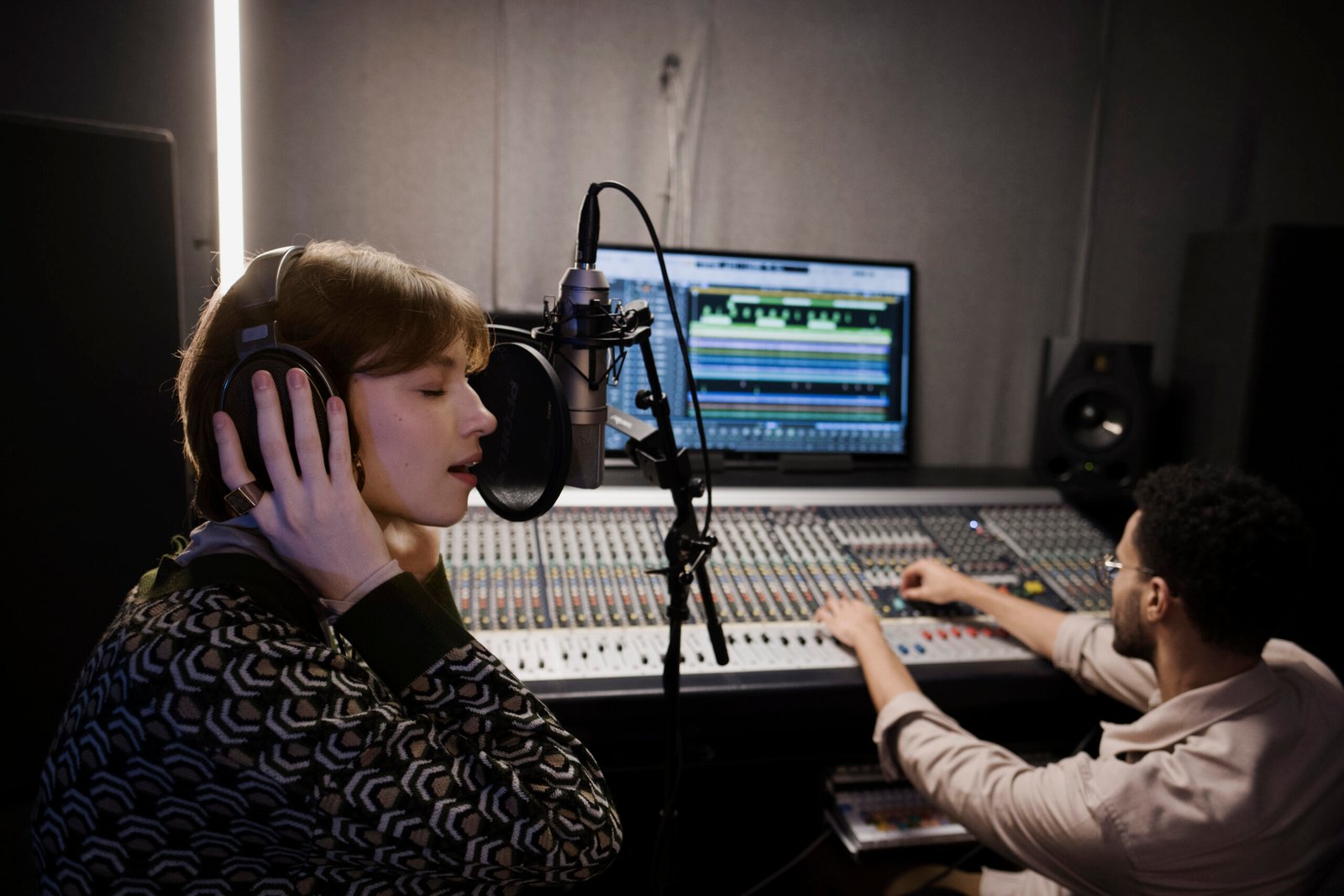
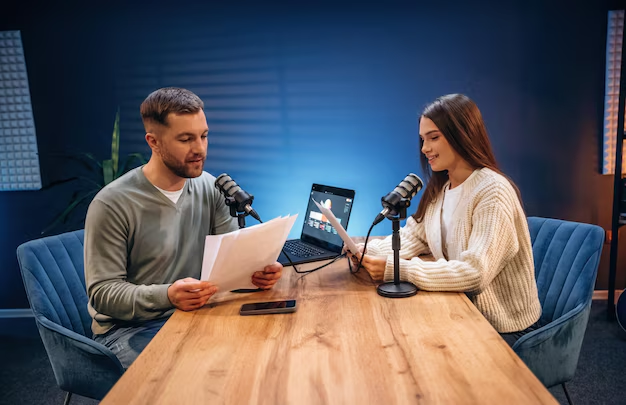
Your voice is the heart of your podcast — and the microphone you use determines how it sounds.
Budget-friendly options:
- USB condenser mic (easy setup — plug and play)
- Dynamic mic (great for noisy environments)
🎯 Tips:
- USB mics are perfect for beginners.
- Dynamic mics reject background noise better.
- Avoid laptop built-in mics — they sound hollow and distant.
🛡️ 2. Pop Filter or Windscreen
A pop filter attaches in front of your mic and reduces “P” and “B” pops — those annoying bursts of air that ruin a clean recording.
Why it matters:
✔ Cleaner vocals
✔ Reduced mouth noise
✔ More professional sound
They’re inexpensive but make a big difference.
🎧 3. Closed-Back Headphones
Headphones help you hear exactly what’s being recorded.
Choose:
- Closed-back design (prevents sound leakage)
- Comfortable fit for long sessions
Good headphones help you notice:
✔ Harsh sibilance
✔ Background noise
✔ Volume inconsistencies
🔌 4. Audio Interface (For XLR Microphones)
If you choose an XLR microphone (professional standard), you’ll need an audio interface.
What it does:
- Converts mic signal to digital audio
- Lets you adjust gain
- Improves sound quality compared to USB
Economical options exist for beginners.
📏 5. Microphone Stand or Boom Arm
A stable mic stand ensures:
✔ Consistent mic placement
✔ Reduced handling noise
✔ Comfortable recording posture
A boom arm lets you:
- Position the mic perfectly
- Free up desk space
Small tools with big comfort impact.
🧰 6. Recording & Editing Software
You don’t need expensive software to start.
Recommended beginner tools:
✔ Audacity (free and powerful)
✔ GarageBand (Mac users)
✔ Reaper (affordable, full-featured)
Editing helps you:
- Trim mistakes
- Remove noise
- Balance volume
- Add music or effects
📦 7. Acoustic Treatment (Even Simple Setup Helps)
You don’t need a professional studio to improve sound.
DIY acoustic options:
- Blankets or curtains
- Foam panels
- Bookshelves
- Rugs
These reduce echo and make voices sound cleaner.
📡 8. Portable Recorder (Optional but Useful)
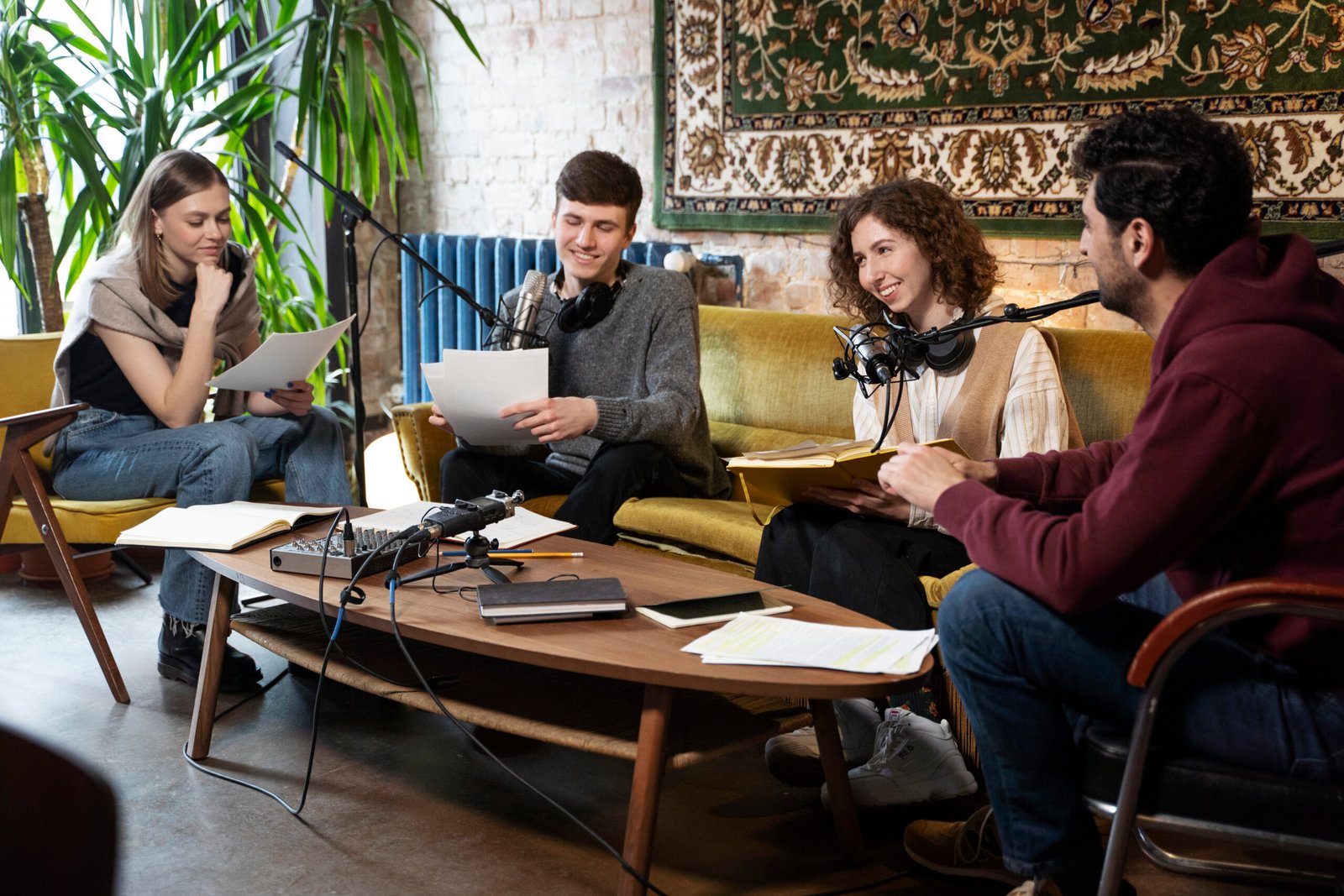
Portable recorders are great for:
✔ Interviewing guests outside your studio
✔ Backup recordings
✔ Capturing high-quality audio on the go
Even low-cost options outperform phone recordings.
🎶 9. Intro/Outro Music & Sound Effects
Good music adds professionalism to your show.
Sources:
- Royalty-free music libraries
- Custom themes
- Short, branded stingers
Just make sure licenses allow podcast use.